



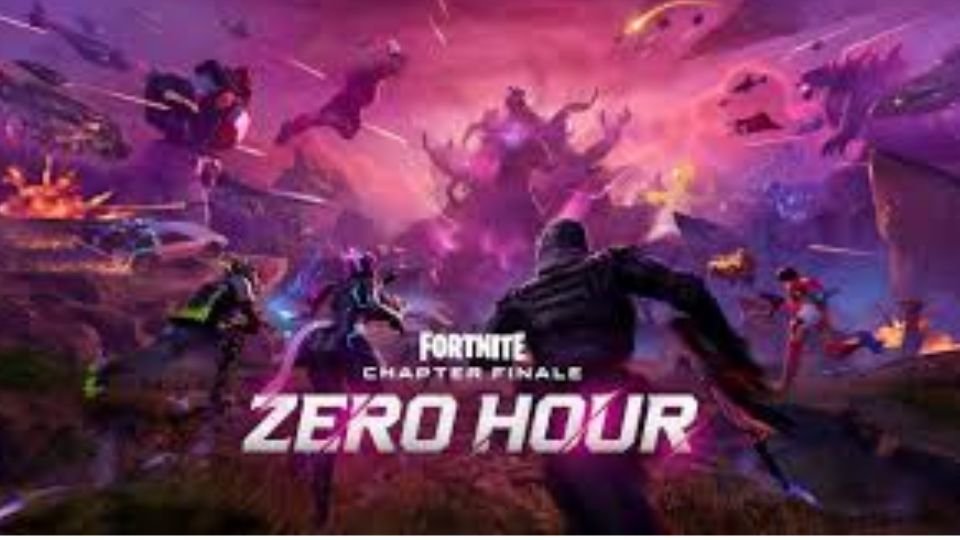
Fortnite players across the world were left disappointed after the highly anticipated Zero Hour live event suddenly crashed, disrupting gameplay and leaving thousands unable to watch the event unfold. Reports of sudden black screens, boot failures, and repeated restarts flooded social media as the event went live on November 29, with fans demanding answers about what went wrong.
According to Downdetector, more than 2,500 users reported problems during the event, with around 67 percent facing server connection issues. Outage maps highlighted major disruptions in regions such as New York and Los Angeles, and comments poured in from users who experienced the same problem at the exact same moment. Many players posted screenshots and videos, complaining that their game froze or went completely black before crashing to the home screen. Some joked that their only option was to “watch the event on YouTube” while others expressed frustration after being kicked out multiple times.
The issue quickly became a trending topic on X, with users sharing visuals of error messages and posting reactions under hashtags like #fortnitecrash and #CRASH. Players described identical experiences of the screen turning black mid-event, followed by a pause that forced them to restart the game. Some said that even after re-entering, the event replayed and crashed again, making it impossible to watch the live sequence. A few wondered whether Epic Games would release an official replay for those who missed the experience due to the technical breakdown.
Fortnite’s official status account acknowledged the issue, advising players to restart their game client and re-queue, but no clear cause has been confirmed yet. The sudden outage overshadowed the excitement for Zero Hour, which had been promoted as a major storyline event where “legends assemble to save reality from the Dark Presence.” Players had been eagerly waiting for the cinematic sequence, only to face widespread technical failures at the crucial moment.
For users stuck with a black screen, there are a few possible fixes. Checking the latest graphic drivers or verifying Fortnite’s game files through the Epic Games Launcher can sometimes resolve client-side issues. Players can open the Epic Games library, click the three dots next to Fortnite, go to “manage,” and use the “verify” option to check for corrupted files. However, early reports indicate that this crash was caused on Fortnite’s end, meaning players may simply have to wait until the developers address the underlying server problems.
This is not the first time Fortnite has faced major disruptions during a live event. Earlier this month, the game suffered a similar outage during the Simpsons event, raising concerns about increasing instability during high-traffic moments. With back-to-back crashes affecting major community events, many players are hoping Epic Games will quickly resolve these recurring issues before the next global in-game experience.

